You’ve probably run into the same fork in the road: you want your home lighting to respond to an app, a voice command, or a schedule — but there are two completely different ways to get there. Smart bulbs (like Philips Hue) put the intelligence inside the bulb itself, so you screw them in and your existing switches stay put. Smart switches (like Lutron Caseta) replace the switch on the wall and work with any ordinary bulb you put in the fixture. Both approaches automate your lighting. Both connect to Alexa, Google Home, and Apple HomeKit. But the underlying logic — and the long-run cost — is totally different. If you’re outfitting more than one or two rooms, the choice you make now will either compound in your favor or quietly cost you hundreds of dollars. This article lays out the real tradeoffs, shows you the math, and ends with a clear decision rule.
The Core Tension: Where Does the Intelligence Live?
With smart bulbs, the “brain” is in the bulb. Each bulb contains a wireless radio — usually Zigbee or Wi-Fi — that lets it receive commands from a hub or directly from your router. Philips Hue uses a dedicated Zigbee hub (a small bridge that plugs into your router), and those bulbs communicate with the bridge rather than with your Wi-Fi network directly. That matters for reliability: Zigbee creates its own mesh network, so bulbs strengthen each other’s signal rather than competing for Wi-Fi bandwidth. In its smart lighting coverage, This Old House (“Smart Home Lighting Guide”) notes that Zigbee-based systems maintain more consistent connections than Wi-Fi-only alternatives, particularly in homes with many connected devices already crowding the 2.4 GHz band.
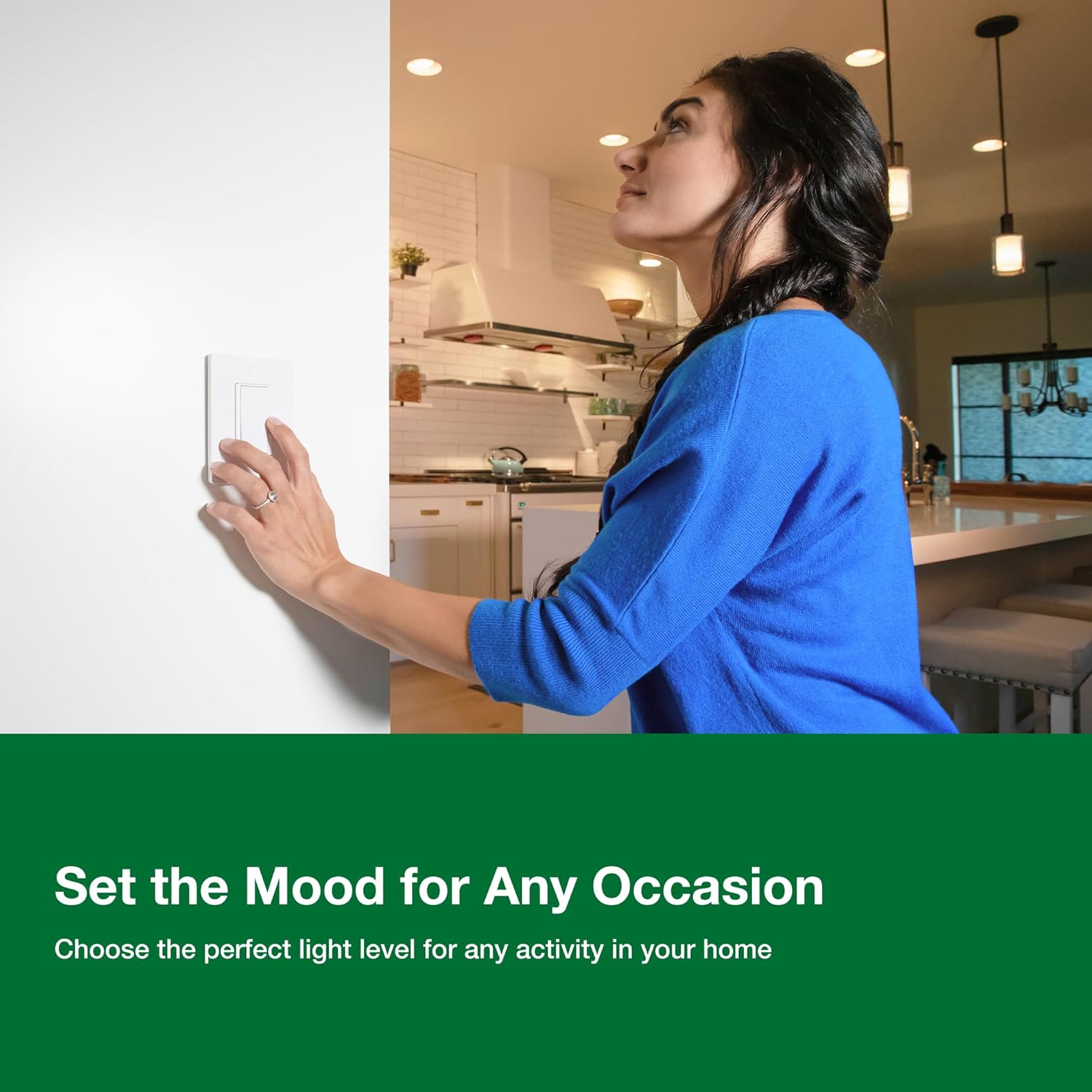
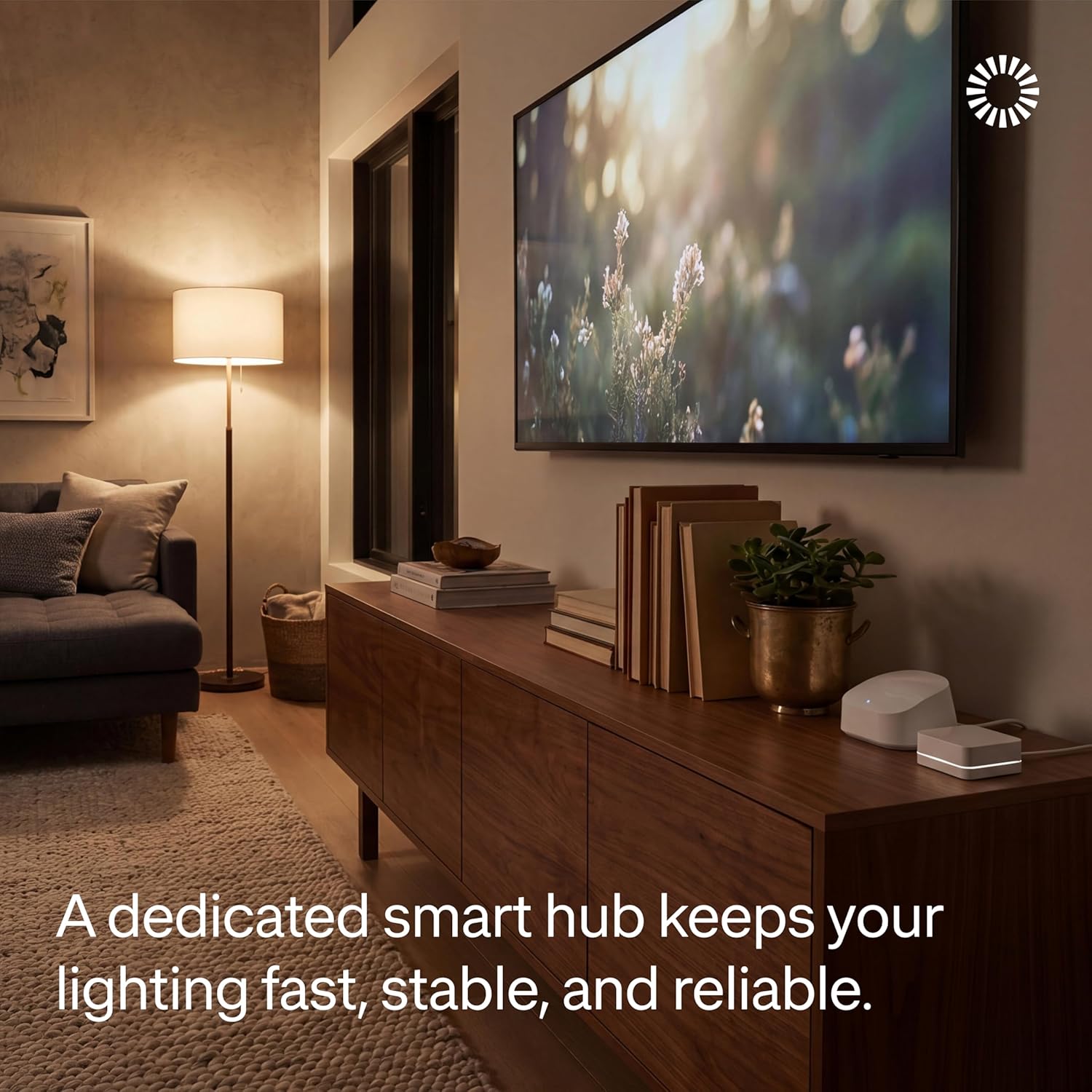
With smart switches, the intelligence moves to the wall. Lutron Caseta switches use a proprietary protocol called Clear Connect RF, which operates on a less-congested frequency than standard Wi-Fi or Zigbee. The switch talks to a Lutron Smart Bridge (their hub), and the bulbs in your fixtures are just ordinary dumb bulbs — incandescent, LED, whatever you prefer. Wirecutter (“The Best Smart Light Switches and Dimmers”) consistently names Caseta as the top recommendation for whole-home reliability, citing Lutron’s decades of experience in commercial dimming as a differentiator that sets it apart from newer entrants.
Here’s the philosophical split: smart bulbs give you color and per-bulb control; smart switches give you whole-room reliability with any bulb you choose.
The Cost Math — And Where It Actually Breaks
This is where most buying decisions should start, and most people skip it.
Entry-Level: One Room
For a single room with four light sockets, the costs land surprisingly close together. A Philips Hue White Ambiance starter kit runs roughly $60–$80 for bulbs, plus a one-time $60 hub purchase — call it $130–$140 to automate one room. A Lutron Caseta starter kit (which bundles one dimmer switch and the Smart Bridge) typically retails around $80–$90, with additional individual switches at $60–$65 each. For one room, the hub purchase dominates either way.
 product image](/images/external/700b56351bce.jpg)
Kasa KL125P2
$14.99
In stock on Amazon
Check price on AmazonMid-Range: Five Rooms
At five rooms and roughly 20 bulbs, the math starts to diverge. Smart bulbs scale per socket: 20 Hue White Ambiance bulbs at an average of $15 each equals $300, plus the $60 hub already paid — roughly $360 total. Caseta scales per switch: five switches at $65 each equals $325, plus the hub cost already absorbed from the starter kit — roughly $405. The gap is still manageable at this scale, and patient buyers who purchase Hue on sale can close it further. Apartment Therapy (“Philips Hue vs. Smart Switches: What We Actually Recommend”) points out that buying Hue incrementally — one room at a time, often during sale periods — is how most long-term Hue owners actually built their systems, avoiding the sticker shock of outfitting multiple rooms at once.
Lutron
$25.59
In stock on Amazon
Check price on AmazonWhole-Home: Ten or More Rooms
Past ten rooms, the structural cost advantage shifts firmly toward smart switches. With smart bulbs, you pay per socket — a chandelier with eight bulbs costs eight bulbs. With Caseta, you pay per switch — that same chandelier costs one switch. Wirecutter (“The Best Smart Light Switches and Dimmers”) flags this explicitly in its analysis: per-socket costs “add up fast” in homes with multi-bulb fixtures, and the Caseta Smart Bridge’s support for up to 75 devices means the fixed hub cost amortizes aggressively across a large deployment. For a whole-home installation — a 2,000-square-foot house with 15–20 circuits — smart switches typically come out several hundred dollars ahead of a comparable smart-bulb setup, even accounting for Hue sale pricing.
Lutron
$91.95
In stock on Amazon
Check price on AmazonReliability, Privacy, and the Wall-Switch Problem
Local Processing and Cloud Dependency
One pattern that surfaces consistently in Caseta purchase rationale is the preference for local, hub-based automation that doesn’t depend on a manufacturer’s cloud servers. The Lutron Smart Bridge processes schedules and scenes locally — your automations continue running even if Lutron’s servers go down or your internet connection drops. This Old House (“Smart Home Lighting Guide”) identifies local processing as one of the key reliability advantages of hub-based systems over cloud-dependent Wi-Fi bulbs, particularly for households where consistent, set-and-forget automation matters more than advanced color features.
Philips Hue made significant strides toward local processing after controversy over its cloud-account policies. As of 2026, Hue’s local API is well-established and the bridge does support local automations. But Wirecutter (“The Best Smart Light Switches and Dimmers”) notes that Lutron’s local-first architecture has a longer institutional track record, which tends to matter to buyers for whom uptime and privacy are genuine purchase drivers rather than marketing checkboxes.
The Wall Switch Problem
This is the practical reliability issue that nobody warns smart-bulb buyers about: smart bulbs need power at all times to stay connected. If someone flips the physical wall switch off, the bulb loses power, drops off the network, and can’t respond to app commands or automations until someone physically restores power at the switch. For households where anyone — guests, kids, partners who didn’t choose the smart-lighting system — might reach for a wall switch out of habit, this is a daily-use friction point, not a theoretical concern.
Apartment Therapy (“Philips Hue vs. Smart Switches: What We Actually Recommend”) identifies the wall-switch problem as one of the most commonly cited frustrations among new smart-bulb owners, often discovered only after the system is installed and in use. Workarounds exist: a plastic switch guard physically blocks the toggle from being flipped, or you can replace the existing switch with a battery-powered Hue dimmer accessory designed to sit over a toggle and control bulbs without cutting their power. But these are patches rather than solutions. With a smart switch system like Caseta, the wall switch IS the smart device, so normal human behavior doesn’t break the system.
Where Smart Bulbs Still Win
It would be dishonest to frame this as a clean sweep for switches. Smart bulbs have three genuine advantages that deserve direct acknowledgment.
Color. If you want tunable color — the ability to shift from warm amber to cool daylight or into reds and blues for accent lighting — smart bulbs are currently the only practical path. Caseta switches dim any bulb beautifully, but they cannot change color temperature or hue. Philips Hue’s color ecosystem, which has been iterating for over a decade, remains the benchmark for scene-based color lighting. For a home theater, a nursery with circadian lighting goals, or any space where color plays a design role, Hue is doing something Caseta simply cannot match.
Rentals and older wiring. Smart switches require getting into your electrical box, and many older homes lack a “neutral wire” at the switch location — a requirement for most smart switches to function. Lutron has addressed this with specific no-neutral models, but it’s worth verifying per circuit before purchasing. For renters who cannot modify electrical wiring, smart bulbs are the straightforward path: screw them in, take them when you leave, leave no trace.
Low-stakes experimentation. If you’re unsure how invested you want to be in smart lighting, one Hue starter kit and three bulbs in your living room is an easy, reversible experiment. Smart switches require more installation confidence and are harder to reverse if you change your mind.
Mixing Both Systems in the Same Home
Some homeowners use both systems intentionally, and this hybrid approach is increasingly documented in home-build coverage. A common pattern: Caseta switches throughout for general room lighting — overhead fixtures, can lights, and plug-in lamp modules — with a Philips Hue setup in specific accent or color zones like a home theater or a bedroom where circadian tuning matters.
Both systems operate on separate protocols and don’t interfere with each other. Both integrate with Apple HomeKit, Google Home, and Alexa, so you can coordinate them through a shared voice assistant. Architectural Digest (“How to Build a Smart Lighting System”) describes this kind of tiered approach — reliable switch infrastructure for everyday circuits, color-capable bulbs for curated spaces — as the practical answer for buyers who want both performance and flexibility without choosing between them.
Frequently Asked Questions
What happens to smart bulbs when someone turns off the wall switch? When a wall switch cuts power to a smart bulb, the bulb loses its network connection and cannot respond to any commands until power is restored at the switch. Prevention options include a plastic switch guard that blocks the toggle, a battery-powered accessory dimmer designed to sit over an existing switch and control bulbs without cutting power, or accepting the need to educate everyone in the household. Smart switch systems eliminate this problem entirely because the switch itself is the smart device.
Does the Lutron Caseta hub work without an internet connection? Yes. The Lutron Smart Bridge runs automations and schedules locally, so programmed scenes and timers continue functioning if your internet goes down. Remote access — controlling lights from outside the home via the app — requires an active internet connection. But in-home operation, including voice commands through a local HomeKit hub like an Apple TV or HomePod, remains functional offline.
How many Caseta switches can one hub support? One Lutron Smart Bridge supports up to 75 devices, including switches, dimmers, plug-in modules, and Pico remotes. You only ever need one hub per home. Additional switches are purchased individually and added to the existing system without buying a new kit.
Can you mix Lutron Caseta switches with Philips Hue bulbs in the same home? Yes. They operate on different protocols — Clear Connect RF versus Zigbee — and do not interfere with each other. Both integrate with Apple HomeKit, Google Home, and Alexa, so you can coordinate them through a shared platform. The practical rule: use Caseta wherever a wall switch controls the circuit, and use Hue wherever you want color or where replacing a switch isn’t feasible.
Is Philips Hue worth the price premium over cheaper Wi-Fi bulbs for a single room? For a single room, the gap is real but defensible. This Old House (“Smart Home Lighting Guide”) notes that Zigbee mesh systems like Hue are demonstrably more stable than Wi-Fi-only alternatives, which can drop connections as your network becomes more crowded. Hue also has a mature ecosystem with strong third-party integration support. If budget is tight, capable alternatives exist — but if you plan to expand your system, Hue’s platform durability is the argument for the premium.
The Decision Rule
If your home has more than three or four rooms to automate, you have a neutral wire at your switches, and you’re not renting: Caseta is the more cost-efficient, reliable whole-home infrastructure. The hub amortizes fast, normal household behavior doesn’t break the system, and you get to use whatever bulbs you want. Add a Hue zone where color genuinely matters — a theater room, a bedroom, a reading nook — and you have the best of both approaches.
If you’re renting, automating one or two rooms as an experiment, or specifically need color throughout your space: start with Philips Hue, buy on sale, and treat it as a modular system you expand deliberately. Just solve the wall-switch problem before it becomes a daily argument.
Know which problem you’re actually solving, and the answer becomes obvious.